
by Kristopher Sheehy
- First things first, head over to https://www.neumann.com/en-us
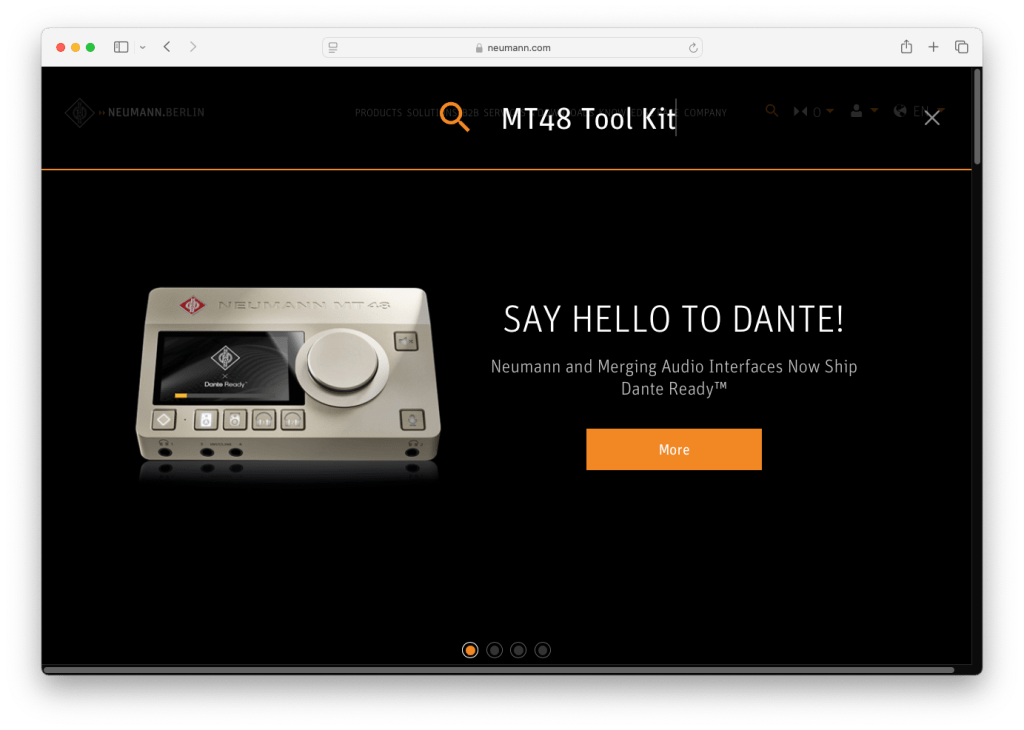
- Click the search (magnifying glass) icon

- Type in “MT48 Tool Kit”
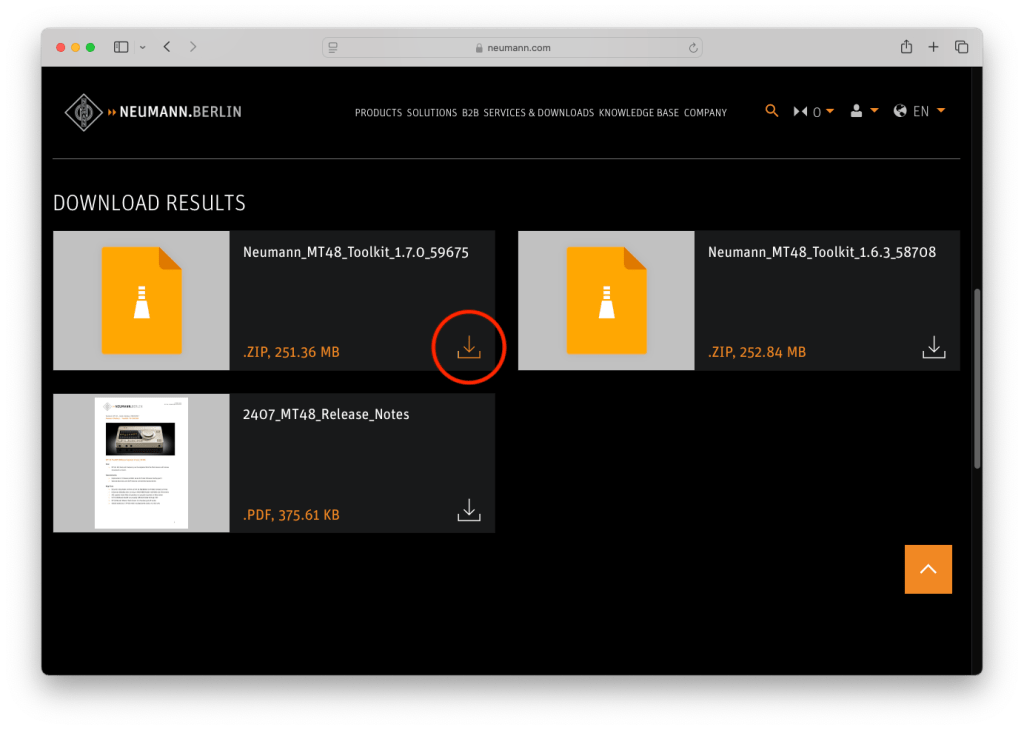
- Click the download button on the latest MT48 Toolkit
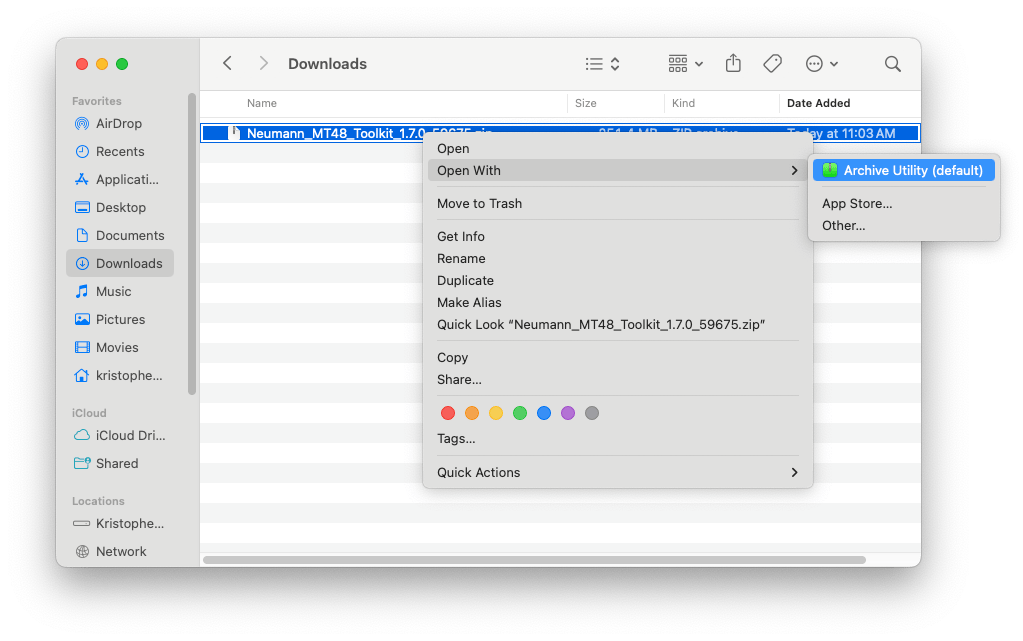
- Once downloaded, you’ll need to unzip the folder

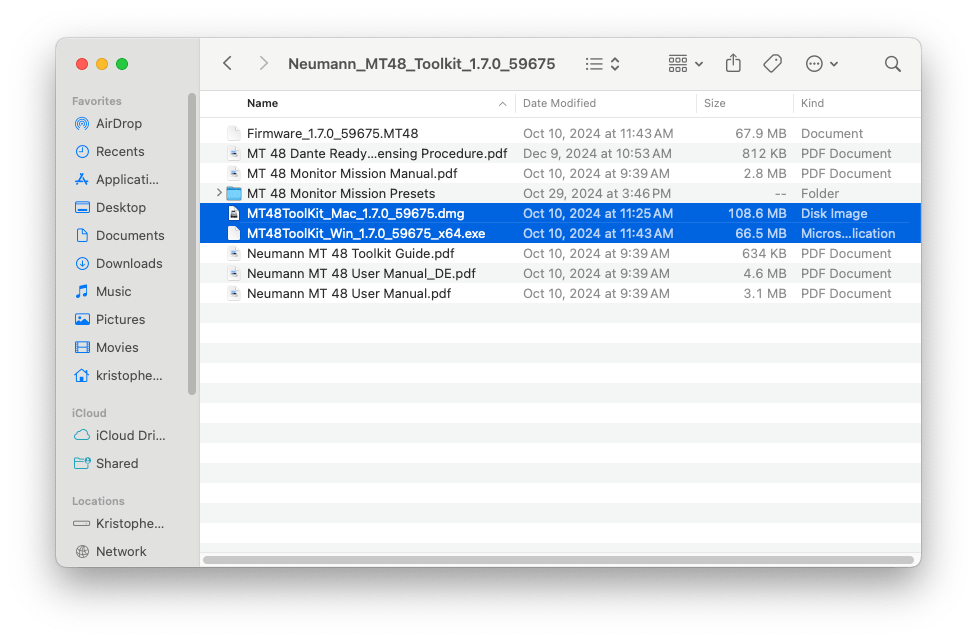
- Now that the zipped file has been unzipped, you can open the unzipped folder to install MT48ToolKit_Mac_xxxx_xxxxx.dmg if you have MAC or MT48ToolKit_Win_xxxxx_xxxxx_x64.exe if you have WINDOWS (the “xxx” is a placeholder for whatever version is currently out)
- Follow the guided installation process and allow any/all prompts needed by the MT48 Toolkit.
- Fantastic! We’re nearly there. Once you’ve installed the MT48 Toolkit on your machine, power up your MT48. Make sure you use the provided power supply and USB-C data cables. (THIS IS CRUCIAL) Many users encounter problems when using third-party USB-C cables
- Open the MT48 Toolkit menu. For MAC this will be in the top right hand corner. For WINDOWS, this will be in your hidden icon tray (bottom right hand corner).
- Choose “Show available updates”
- If there is an update it will be listed next to the product (see example photo & video below)
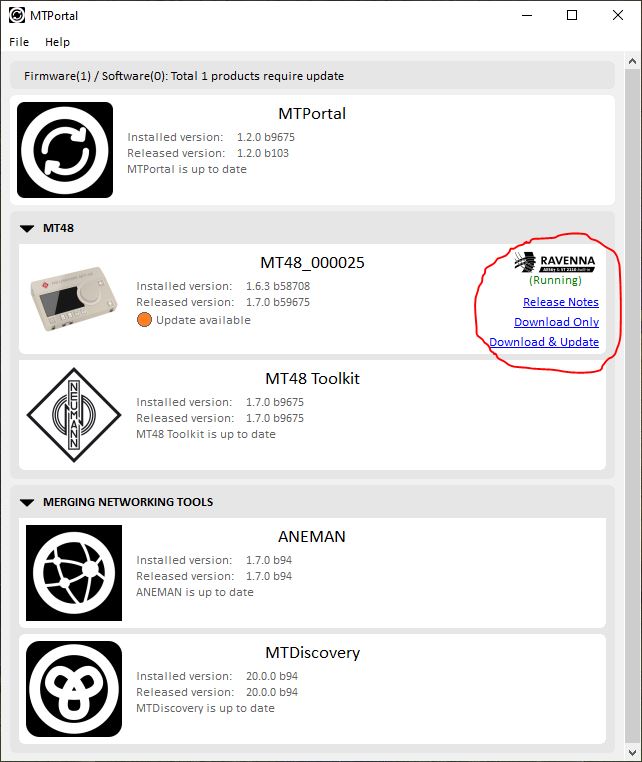
Great! In my case, there were no updates for the MT48, but there was an update ready for MTDiscovery. All updates will present themselves in a similar manner across sections, so be sure to keep an eye out for that “Download & Update” button.
You’re all set! Happy recording!
 Creator Audio, Simplified
Leave a comment